


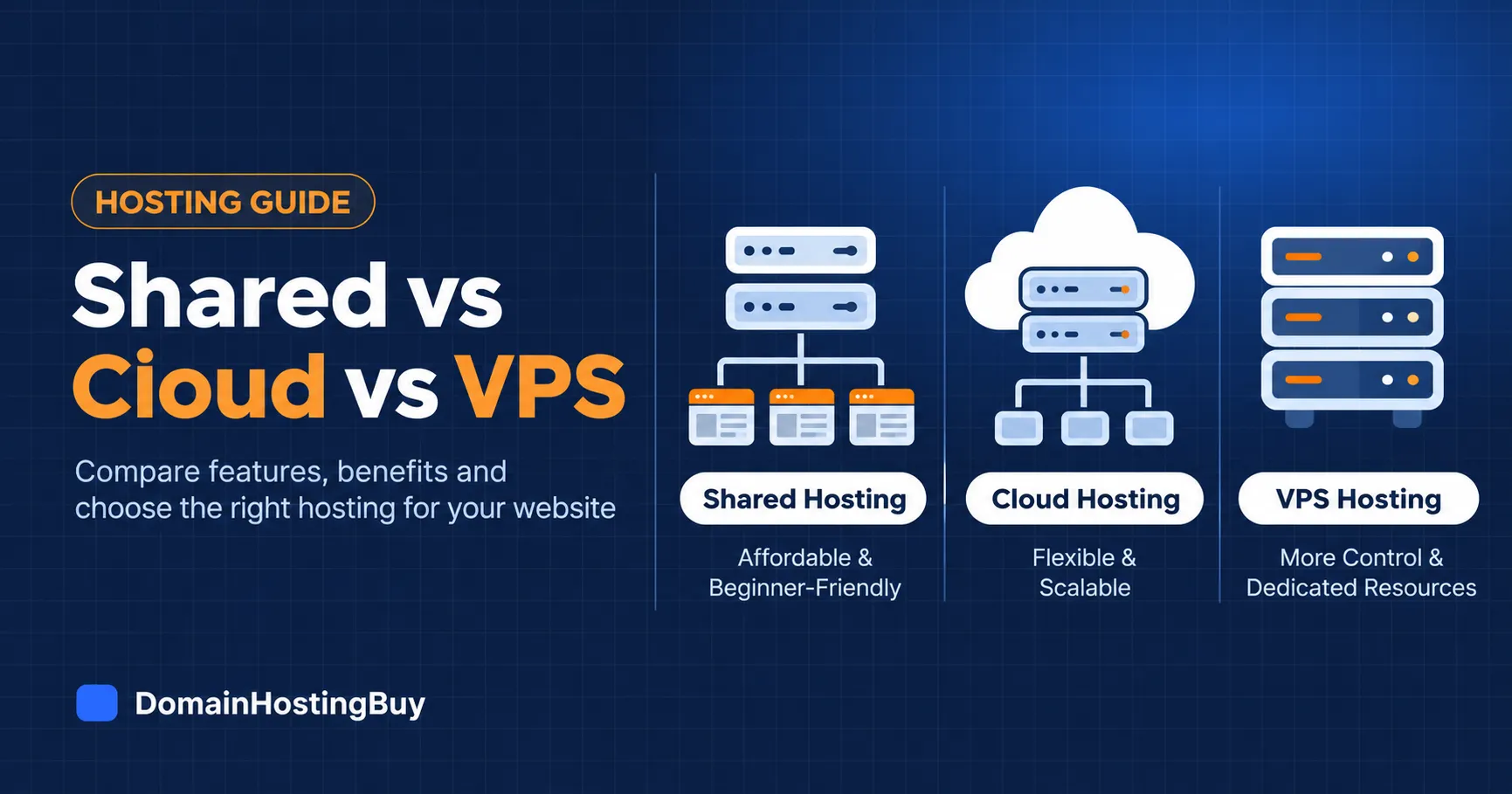
Shared Hosting vs Cloud Hosting vs VPS: Which Do You Need?
Shared hosting, cloud hosting and VPS hosting are three different ways to host a website. They differ in how server resources are allocated, how hosting environments are managed and how much control you have over your hosting setup.
The right choice depends on your website's requirements, expected traffic, technical knowledge and budget. A small personal blog may work perfectly well on shared hosting, while a growing business website or application may need the additional flexibility of cloud hosting or VPS.
Quick answer: Shared hosting is suitable for beginners and smaller websites. Cloud hosting is worth considering when you need flexible infrastructure. VPS hosting is suitable when you want more control over your server environment and allocated resources.
What we checked: November 27, 2026. This guide compares the general structure, use cases, benefits and limitations of shared hosting, cloud hosting and VPS hosting. No provider-specific plan prices or performance test results are claimed. Current hosting prices should be checked through DomainHostingBuy's live comparison pages.
1. What Is Shared Hosting?
Shared hosting is a type of web hosting where multiple websites use resources from the same physical server. The hosting provider manages the server infrastructure and divides its available resources among customer accounts.
This arrangement makes shared hosting a common starting point for individuals, bloggers, freelancers and small businesses.
Most shared hosting plans include a hosting control panel, website management tools and access to features such as email accounts, databases and one-click application installers. The exact features depend on the provider and plan.
How does shared hosting work?
Imagine an apartment building where several residents share the same building infrastructure. Each resident has a separate living space, but the building's facilities are shared.
Shared hosting follows a similar concept. Multiple websites operate on one server, sharing its underlying computing resources. Each customer has an individual hosting account, but the server environment is managed collectively by the provider.
Advantages of shared hosting
Lower entry cost: Shared hosting is generally an affordable starting point for a new website.
Easy management: The hosting provider handles most server administration.
Beginner-friendly: You usually do not need advanced server administration skills.
Useful standard features: Many plans include databases, email and website management tools.
Less maintenance: Server-level maintenance is generally handled by the provider.
Limitations of shared hosting
Shared resources: Your website operates on infrastructure used by other customers.
Limited server control: You generally cannot customize the server environment as freely as with VPS.
Plan restrictions: Providers may limit CPU usage, memory, storage, processes or other resources.
Growth limitations: A resource-intensive website may eventually need a different hosting arrangement.
Shared hosting is worth considering if you are launching your first website, running a small business website or maintaining a personal blog without demanding server requirements.
2. What Is Cloud Hosting?
Cloud hosting uses a pool of interconnected computing resources to host websites and applications. Instead of relying on one traditional physical server as the entire hosting environment, cloud infrastructure can use resources across multiple servers.
The exact architecture depends on the provider. Some cloud hosting services distribute workloads across multiple systems, while others provide virtual server instances within a larger cloud infrastructure.
Cloud hosting is often considered by businesses that want flexible infrastructure and the ability to adjust resources as their requirements change.
How does cloud hosting work?
Think of cloud hosting as a network of connected computing resources. The hosting provider manages the underlying infrastructure and makes computing resources available to customers through its platform.
Depending on the service, you may be able to increase or decrease resources, manage multiple instances or configure additional infrastructure components.
Advantages of cloud hosting
Flexible resources: Some cloud services allow you to adjust computing resources according to demand.
Scalability: You can choose infrastructure that supports changing website requirements.
Infrastructure options: Cloud platforms may offer different configurations and deployment choices.
Multiple architecture options: Depending on the provider, you can configure different services for your application.
Business flexibility: Cloud infrastructure can suit websites and applications with changing resource requirements.
Limitations of cloud hosting
Complexity: Some cloud platforms require technical knowledge to configure and manage.
Variable costs: Billing may depend on resource consumption, storage, bandwidth or additional services.
Configuration responsibility: Managed services differ from self-managed cloud infrastructure.
Provider differences: Not every cloud hosting service offers the same architecture or features.
Cloud hosting may be suitable for growing websites, business applications and projects that need flexible infrastructure. However, cloud hosting does not automatically guarantee better performance or uninterrupted availability. These depend on the architecture, configuration and provider's service terms.
Explore available options on our cloud hosting comparison page.
3. What Is VPS Hosting?
VPS stands for Virtual Private Server. VPS hosting uses virtualization technology to divide a physical server into multiple virtual server environments.
Each VPS operates as an independent virtual environment with allocated resources and its own operating system or server configuration, depending on the plan.
Compared with typical shared hosting, VPS hosting provides more control over the server environment. It is commonly used by developers, growing businesses and website owners who need specific software or server configurations.
How does VPS hosting work?
A physical server runs virtualization software that creates multiple virtual server environments. Each virtual server receives allocated resources such as CPU, RAM and storage.
You can manage your VPS according to the level of access provided by your hosting plan. Some providers offer managed VPS services, while others expect customers to handle most server administration themselves.
Advantages of VPS hosting
Allocated resources: Each VPS receives specified resources according to its plan.
Greater control: You may have administrator or root access, depending on the service.
Custom configurations: You can install supported software and configure your server environment.
Isolation: Each virtual server operates in its own environment.
Development flexibility: VPS can support applications and projects requiring specific server configurations.
Limitations of VPS hosting
Technical knowledge: Managing an unmanaged VPS requires server administration skills.
Maintenance responsibility: You may need to manage updates, security and backups.
Additional costs: Managed support, backups and other services may cost extra.
Resource limits: Your VPS is still restricted by the resources included in your plan.
VPS hosting may be suitable for developers, agencies, growing businesses and websites that need more server control than standard shared hosting provides.
Compare available configurations on our VPS hosting page.
4. Shared Hosting vs Cloud Hosting vs VPS: Key Differences
Although all three hosting types can host websites and applications, their infrastructure and management models are different.
Feature | Shared Hosting | Cloud Hosting | VPS Hosting |
|---|---|---|---|
Infrastructure | Shared physical server | Cloud computing infrastructure | Virtual server on physical infrastructure |
Resource allocation | Shared server resources | Depends on cloud service configuration | Allocated virtual server resources |
Server control | Limited | Depends on service | Generally greater control |
Scalability | Depends on plan limits | Often flexible | Depends on provider and plan |
Technical knowledge | Basic | Varies | Moderate to advanced for unmanaged plans |
Typical users | Beginners and small websites | Growing websites and applications | Developers and resource-specific projects |
These are general differences, not guarantees for every hosting plan. Providers may offer managed services, customized infrastructure and different resource limits within each category.
5. Which Hosting Type Is Best for Your Website?
The best hosting choice depends on what you are building and how much control you need. A more advanced hosting environment is not automatically the right choice for every website.
Choose shared hosting if:
You are launching your first website.
You run a personal blog or portfolio.
You have a small business website with modest resource requirements.
You prefer a hosting service that handles most server maintenance.
You do not need advanced server customization.
Choose cloud hosting if:
Your website has changing resource requirements.
You need flexible infrastructure options.
You are running a growing business application.
You want the ability to adjust resources according to your provider's available configurations.
You are comfortable managing a cloud platform or have technical support.
Choose VPS hosting if:
You need more control over your server environment.
You are a developer working with specific software configurations.
You run applications that require dedicated virtual server resources.
You need administrator access for supported server configurations.
You have the skills or support required to maintain the server.
6. What Should You Compare Before Buying Hosting?
Choosing a hosting type is only the first step. Two providers offering the same hosting category can have different resource allocations, features and pricing structures.
Before purchasing a plan, check the following details.
CPU and RAM
CPU and RAM affect the computing resources available to your website or application. Check the resources included in the plan and whether the provider clearly explains their limits.
Storage type and capacity
Check the available storage capacity and storage technology. Also review any file, database or inode restrictions that may affect your website.
Bandwidth and traffic policies
Review the provider's bandwidth allocation and traffic policies. Some services have defined transfer limits, while others use different billing or usage policies.
Managed or unmanaged hosting
Find out who handles operating system updates, server maintenance, security configuration and technical support. Managed hosting can reduce administration work, while unmanaged services provide more responsibility and control to the customer.
Backup and security features
Check whether backups are included, how frequently they run and how restoration works. Also review available security features and the provider's responsibilities.
First-term and renewal pricing
Do not select a hosting plan based only on its introductory price. Compare the initial term with the renewal rate and calculate the actual cost over the period you expect to use the service.
DomainHostingBuy compares hosting prices to help visitors understand the difference between first-term and renewal costs. You can review the comparison methodology to learn how the pricing information is presented.
7. Can You Upgrade from Shared Hosting to VPS or Cloud Hosting?
Yes. Many hosting providers offer upgrade options that allow customers to move from shared hosting to VPS or cloud hosting when their requirements change.
However, the migration process depends on the hosting provider, control panel, website configuration and application requirements.
Before upgrading, consider these steps:
Review your current resource usage and identify the limitations you are experiencing.
Check the requirements of your website, application and database.
Choose a hosting plan with suitable resources and management options.
Plan how your website files, databases, email and DNS settings will be migrated.
Test the migrated website before changing the live configuration.
Moving to a more advanced hosting type does not automatically solve every website problem. Review the actual cause of the limitation before selecting a new service.
Frequently asked questions
Is cloud hosting better than shared hosting?
Cloud hosting may offer more flexible infrastructure and resource options than traditional shared hosting. However, it can also involve more configuration and different billing arrangements. Shared hosting may be a better fit for smaller websites that do not need advanced infrastructure. The right option depends on your website's requirements and technical resources.
Is VPS hosting faster than shared hosting?
VPS hosting provides allocated virtual server resources, which can offer more predictable resource availability than typical shared hosting. However, actual website speed also depends on server configuration, software, application code, storage and network performance. A VPS is not automatically faster than every shared hosting plan.
Can beginners use VPS hosting?
Beginners can use VPS hosting, particularly when choosing a managed service with technical support. However, unmanaged VPS plans generally require knowledge of server administration, operating systems, security and maintenance. If you do not need server-level control, shared hosting or managed hosting may be easier to operate.
Is cloud hosting the same as VPS hosting?
No. Cloud hosting describes hosting built on cloud computing infrastructure, while VPS describes a virtualized server environment with allocated resources. A VPS can itself run on cloud infrastructure. The exact differences depend on how the hosting provider builds and manages its service.
Which hosting is best for a small business website?
Shared hosting can be sufficient for a small business website with modest resource requirements. Cloud hosting or VPS may be worth considering when the website needs additional flexibility, server control or specific configurations. Compare the actual plan resources, support and renewal costs before making your decision.
Can I change my hosting plan later?
Many hosting providers offer upgrade options, but the available migration paths depend on their services and policies. Before changing plans, check whether your website files, databases, email accounts and applications can be migrated. Also review any downtime, migration assistance or additional fees that may apply.
Shared hosting, cloud hosting and VPS each serve different needs. Choose according to your website's resource requirements, management preferences and long-term costs. Compare shared hosting, cloud hosting and VPS plans on DomainHostingBuy to find an option that fits your project.