


How to Transfer a Domain to a Cheaper Registrar (Step by Step)
If your domain's renewal price keeps climbing, you don't have to keep paying it. You can move the domain to another registrar that charges less. The process sounds technical, but it is mostly a few clicks and some waiting.
Done right, a transfer causes no downtime. Your website and email keep working the whole time. Here is how to do it.
Before you start: is it worth it?
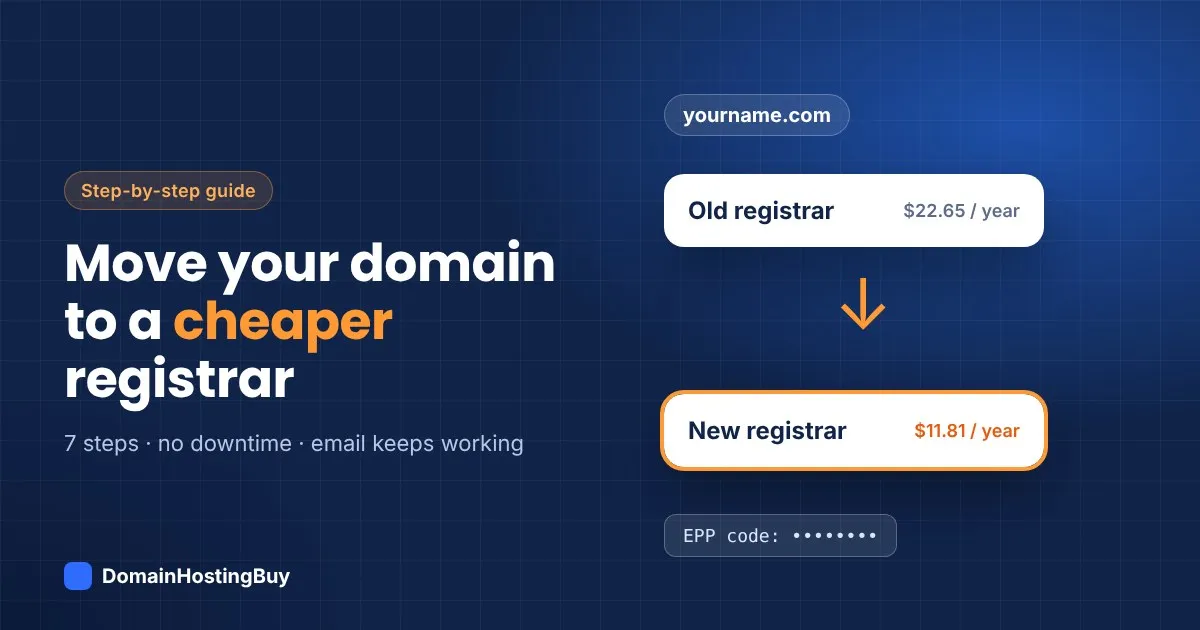
Compare your current renewal price with the transfer price at other registrars. For example, when we checked in November 2026, transferring a .com cost $9.99 at OVHcloud and $11.81 at Porkbun, while renewing at Name.com cost $22.65.
Two things make a transfer even better value:
You don't lose time. For .com and most other generic extensions, a transfer adds one year to your registration. You are paying for the renewal you would have paid anyway, just at a lower price.
The new registrar's renewal price applies afterwards. Check it before you move, not just the transfer price. See why renewal prices matter.
You can see transfer prices for every registrar in our .com price table, or pick another extension.
Check these four things first
The domain is not brand new. Most registrars won't let you transfer a domain within 60 days of registering it or of a previous transfer.
It has not expired. Renew it first if it is about to expire, or ask the new registrar how they handle it.
Your contact email works. Some registrars send confirmation emails to the owner address on the domain. If that address is old, update it before you start.
You know where your DNS is hosted. If your nameservers point to your hosting company or Cloudflare, nothing changes. If you use your current registrar's free DNS, copy all your records (A, MX, TXT, CNAME) somewhere safe first.
The transfer, step by step
Step 1: Unlock the domain
Log in to your current registrar and find the domain's settings. Turn off "Registrar lock" or "Transfer lock". It is usually a single switch.
Step 2: Get the authorisation code
In the same place, ask for the transfer code. Registrars call it the EPP code, auth code or transfer key. Some show it on screen and some email it to you. Treat it like a password.
Step 3: Start the transfer at the new registrar
At the new registrar, choose "Transfer a domain", enter your domain name and paste the code. Pay for the transfer, which includes the extra year.
Step 4: Approve the transfer
You may get an email asking you to confirm. Click the link. Your old registrar may also email you; you can approve there to speed things up, or simply wait.
Step 5: Wait
Most transfers finish within five days. Many go through in a few hours if the old registrar approves them early. Your site and email keep working while you wait, because the DNS doesn't change.
Step 6: Check your DNS
When the transfer is done, log in to the new registrar and check the nameservers and DNS records. If you were using the old registrar's DNS, add your saved records now.
Step 7: Turn the lock back on
Turn the transfer lock back on and set up auto-renew. That's it.
Common problems and how to fix them
"Invalid auth code." Copy it again without spaces, or ask your old registrar to generate a new one.
"Domain is locked." The lock switch is still on, or the domain is inside the 60-day window.
The transfer was rejected. Usually an unpaid invoice or a recent change of owner details at the old registrar. Contact their support.
Email stopped working. An MX record is missing at the new DNS. Add back the records you saved before the transfer.
Frequently asked questions
Will my website go down during a transfer?
No, as long as your DNS settings stay the same. The transfer changes who you pay, not where your website lives.
Can I transfer a country domain like .uk or .com.bd?
Many country extensions use their own process. Some don't use an auth code at all. Check the new registrar's help page for that extension.
Do I lose the time left on my domain?
No. For generic extensions, the remaining time carries over and one year is added on top.
Ready to move? Compare registrars and pick the one with the lowest renewal price, not just the lowest transfer price.